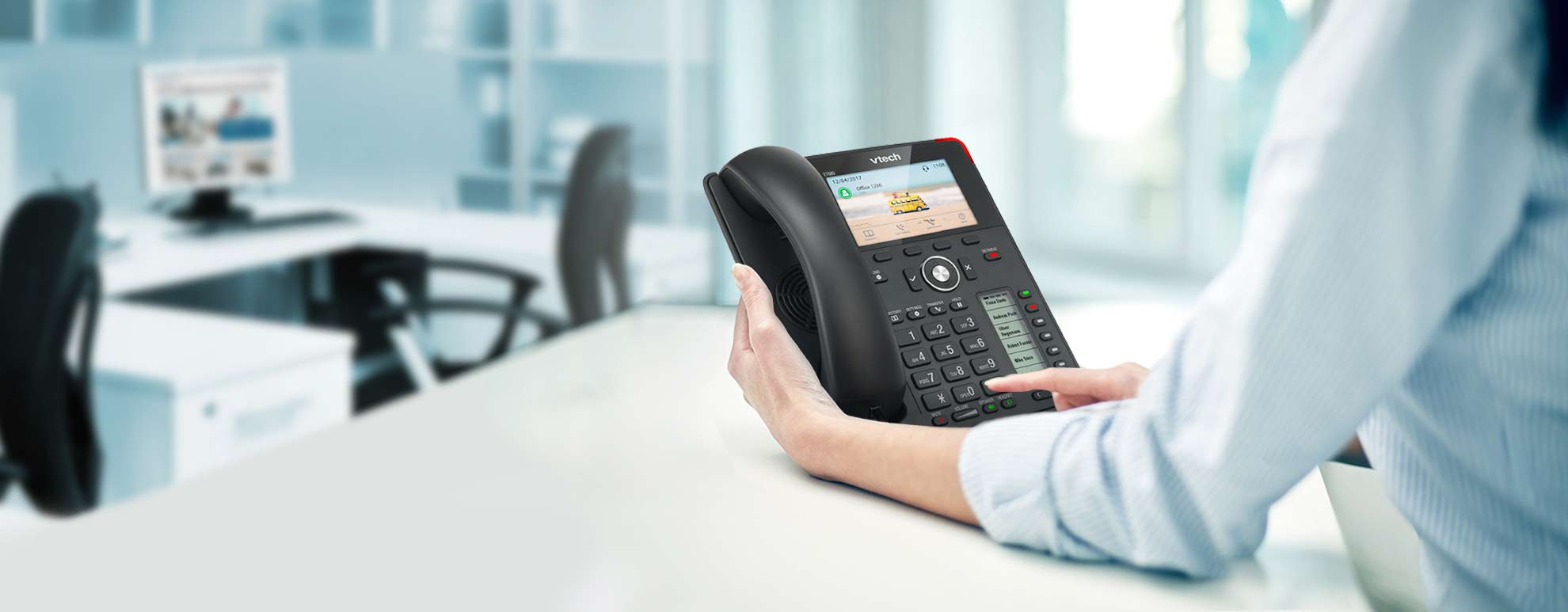
The short answer: it depends entirely on who’s using the phone and where. A receptionist handling 60 inbound calls a day and a field rep checking in from a job site have opposite needs — and the right answer for one is the wrong answer for the other. Most businesses need both, on the same system.
The question of whether to buy desk phones or skip them in favor of mobile apps and softphones is one of the most common decisions business owners face when setting up or upgrading a phone system. Cloud-hosted VoIP providers tend to downplay hardware entirely. Legacy phone vendors tend to push desk phones for every user regardless of role. Neither answer fits most real businesses.
This guide gives you the actual framework: which roles benefit most from a physical desk phone, which are better served by the Linkus UC mobile and desktop app, and how a modern Phonewire system lets you run both on the same platform without per-device licensing complexity.
The Two OptionsDesk Phone vs. Softphone App — What Each One Actually Is
- Physical handset on your desk — plugs into network via Ethernet
- Dedicated device: always on, always ready, no other apps competing
- HD audio with large speaker; louder speakerphone than most laptops
- Programmable BLF keys — see at a glance who’s on a call
- One-button transfer, hold, park, conference without menus
- Works even when the user’s computer is off or rebooting
- Brands: Snom, Yealink, Poly, Panasonic — all open SIP, all installed by Phonewire
- Runs on iPhone, Android, Mac, or Windows — any device the user already has
- Full business extension: same number, same voicemail, same directory
- Transfer, conference, call history, presence — full PBX features in an app
- Works from anywhere with internet — office, home, car, job site
- No hardware cost per user — license is included with the system
- Microsoft 365 integration: contacts sync, presence reflects calendar
- Separate business and personal calls on the same physical phone
Both options connect to the same Phonewire system — the same extensions, the same auto-attendant, the same call routing. A user can have a desk phone at their workstation and the Linkus app on their cell phone simultaneously. Calls ring both. They answer whichever is closest.
The Decision FrameworkWhich Roles Still Need a Desk Phone — and Which Don’t
The right answer for each employee comes down to three questions: How many calls do they handle? Are they at a fixed location most of the day? Does their work environment require hands-free audio or physical call management keys?
Reception, front desk, and switchboard roles
The highest-value desk phone users in any organization. Receptionists handle high call volume, need to see who’s on which line at a glance, transfer calls to extensions without putting callers on hold unnecessarily, and park calls for pickup. BLF key panels — rows of programmable buttons showing real-time extension status — are purpose-built for this. No app replicates the speed and spatial awareness of a 24-key BLF-equipped desk phone for a busy front desk.
Customer service, inbound sales, and support teams
Staff who spend a significant portion of their day on the phone benefit from a dedicated handset: better audio than most laptop microphones, one-button hold and transfer without hunting through menus, and a device that doesn’t have email, Slack, or browser notifications competing for attention. For call center environments and anyone managing a queue of inbound calls, a desk phone with a headset is faster and less fatiguing than a softphone for sustained use.
Healthcare, legal, and financial services offices
Industries with communication compliance requirements, patient or client confidentiality obligations, or workflows that depend on dedicated extension lines benefit from dedicated IP desk phones. A dedicated device keeps business communications isolated from personal device behavior, provides a consistent known endpoint for call logging and recording, and doesn’t depend on an employee’s personal smartphone battery or personal plan limitations. Medical offices, law firms, and financial advisors consistently run desk phones for these reasons — the Snom D735 and Yealink T54W are the most common choices Phonewire installs in these environments.
Remote and hybrid employees
For employees who work from home, split their time between locations, or are rarely at the same desk two days in a row, the Linkus UC app is the right tool. They get a full business extension — same number that appears on outbound calls, same voicemail box, same ability to transfer to colleagues — on the device they already carry. No desk phone to ship, no hardware to manage when they move. For a 10-person team where four employees work remotely, buying desk phones for those four users is money and maintenance effort with no corresponding benefit.
Field staff, technicians, and mobile workers
Contractors, service technicians, outside sales reps, and any employee who spends most of their day away from a fixed desk have no practical use for a desk phone. The Linkus app gives them a business number that clients and the office can reach — calls go to their cell, they call back from the business number, and the office can transfer calls to them without the client knowing or caring that they’re in a truck. This is also the fix for the “personal cell number problem” — when staff leave, they take nothing with them because they were never using their personal number for business.
Managers, executives, and office generalists
Most office-based employees benefit from a desk phone at their workstation for the calls they take at their desk, plus the Linkus app on their cell for the calls that reach them when they’re in a meeting, traveling, or working from home. The call rings both simultaneously — they answer whichever is handy. For executives in particular, this setup also means the business number rings the cell during off hours without the client ever having the personal cell number directly.
Desk Phone vs. Softphone App — How They Compare Across Key Factors
| Factor | IP Desk Phone | Linkus UC App |
|---|---|---|
| Audio quality (wired) | HD voice, dedicated hardware | Good with quality headset |
| Works without user’s computer | Yes — independent device | Needs phone/laptop powered on |
| Call volume — high daily use | Purpose-built, less fatigue | Functional; headset recommended |
| BLF keys (see extension status) | Up to 60 programmable keys | Presence view in app |
| One-button transfer / hold / park | Physical keys — instant | Menu-based but functional |
| Works from any location | Office only (or with PoE switch) | Anywhere with internet |
| Hardware cost | $80–$300 per phone | Included — no extra hardware |
| Personal / business separation | Fully separate device | Business calls on personal phone |
| Employee departure risk | Number stays with the system | Number stays with the system |
| Works during computer reboot | Yes — always on | No (desktop app); yes (mobile) |
| Setup and provisioning | Physical install — Phonewire handles | App download, credentials, done |
The Answer Most Businesses Actually Need: Both, On One System
Phonewire’s P560 Hybrid and cloud-hosted systems support desk phones and the Linkus UC app simultaneously on the same platform — same extensions, same dial plan, same auto-attendant, same voicemail, one support relationship. You don’t choose between them at setup. You assign the right tool to the right role.
- Reception desk: Yealink T54W or Snom D735 with BLF key panel — dedicated hardware for high-volume front-desk use
- Office staff at fixed desks: Desk phone + Linkus mobile app — desk answers at the workstation, cell answers when they’re away
- Remote and field employees: Linkus app only — full extension on their existing device, zero hardware cost
- Conference rooms: Poly Trio or Yealink CP925 conference phone — purpose-built speakerphone for group calls
- Day-to-day changes — adding users, adjusting which devices ring — handled by Phonewire at no additional charge
When You Do Need a Desk Phone — Which One?
Not all desk phones are the same, and the right model depends on the role. Here’s how Phonewire approaches phone selection during installation:
Basic station phone (single-line staff, low call volume): The Yealink T31P or Snom D120 — straightforward 2-line phones with clear display and speakerphone. Right for break rooms, secondary workstations, or staff who make occasional calls but aren’t power users.
Standard business phone (most office staff): The Yealink T54W or Snom D735 — color display, multiple line appearances, programmable keys, Bluetooth for a wireless headset. The right choice for most employees who take and make calls regularly throughout the day.
Executive / power user phone (high call volume, managers, attorneys): The Yealink T57W or Snom D785 — large color touchscreen, up to 16 line appearances, built-in BLF with expansion module support. For people who manage multiple lines, monitor extension activity, and spend significant time on calls.
Reception / BLF panel (front desk, switchboard): The Yealink T57W or Snom D785 paired with a Yealink EXP50 or Snom D3 expansion module — adds 20–60 additional programmable BLF keys for monitoring and managing a full extension directory at a glance.
Conference room (group calls, huddle rooms): The Yealink CP925 or Poly Trio C60 — 360° microphone pickup, designed for tabletop use with multiple speakers in the room.
The Honest Answer
Desk phones are not obsolete — but they’re also not the right tool for every user at every business. The companies that get this wrong usually do it in one of two directions: they put desk phones at every desk out of habit and end up with hardware sitting unused by remote workers and mobile employees, or they go app-only at the encouragement of a cloud VoIP vendor and discover that their receptionist and front desk team are significantly less efficient than they were with a proper phone.
The right configuration for most businesses is a mix — physical phones where the role demands them, Linkus app where flexibility matters, and a system that handles both without per-device complexity. Phonewire will tell you exactly which approach fits your team during a free consultation, with specific equipment recommendations and pricing for both options.
Get a Specific Recommendation for Your Setup
Tell Phonewire your team size, how many are office-based vs. remote, and your highest-volume roles — and we’ll tell you exactly which phones fit where, and what it costs. Free consultation, same-day quote.
Schedule a Free Consultation See our phone models →